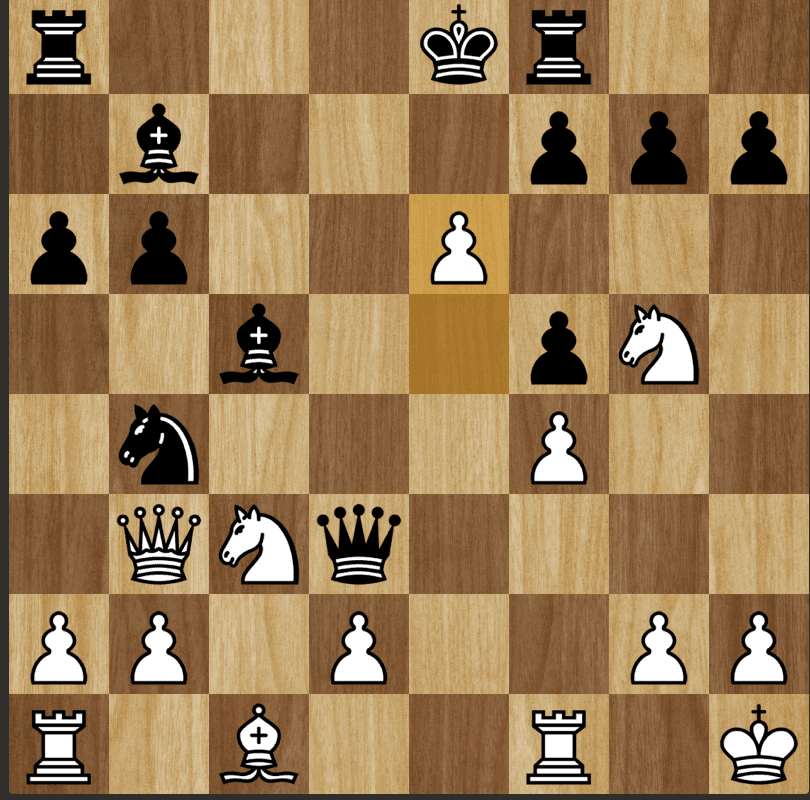
A bot that reads the board from screenshots and plays Stockfish's best move.
PythonStockfishOpenCVPyAutoGUI
The problem
Chess.com has no API for playing moves on its website, so a bot has to see the board the way a person does and act through the screen. It had to work as both colours and across rapid, blitz and bullet time controls.
Approach
Takes a screenshot of the board region and converts it to FEN notation using computer vision.
Detects whether the player is White or Black and flips the board when needed.
Sends the FEN to Stockfish, with adjustable skill level and depth, to get the best move.
Plays the move on the board with PyAutoGUI, at about 2 seconds per move.
Results
Plays as both White and Black in rapid, blitz and bullet games.
About 95% move accuracy across the three formats.
Built for education and experimentation only. The repo includes a clear disclaimer against real-world use.
At a glance
One move, end to end
Screenshot
board region
↓→
Board to FEN
OpenCV + chessboard finder
↓→
Stockfish
best move
↓→
PyAutoGUI
plays the move
Flow from the project README. Takes about 2 seconds per move.